

How All-in-One Business Tools Reduce Subscription Overload for Growing Companies
Thursday, December 04, 2025 | Project Management

Over the last decade, businesses have increasingly shifted toward cloud-based software to manage daily operations. While this digital transformation brought speed and convenience, it also came with an unexpected side effect: subscription overload. Companies now juggle a dozen or more tools—one for CRM, another for project management, another for invoicing, another for communication, and yet another for employee tracking. What started as an effort to simplify work has created a new layer of complexity.
Subscription overload drains budgets, confuses teams, slows productivity, and scatters vital data across multiple platforms. For growing companies, this problem becomes even more costly because every new team member means another set of subscriptions, logins, and workflows to maintain.
To solve this, many organizations are turning to all-in-one business management platforms. These tools bring different functions together under a single system, eliminating the need for a stack of disconnected apps. Instead of managing multiple subscriptions, businesses can centralize their operations, cut costs, and work more efficiently.
This blog explores how all-in-one tools help reduce subscription overload—and why they are becoming essential for growing companies looking to streamline their operations and gain better control over productivity and spending.
What Is Subscription Overload?
Subscription overload happens when a business relies on too many separate software tools to run its daily operations. A typical growing company might use:
- A CRM for customer records.
- A project management tool for tasks.
- A separate invoicing system.
- Another tool for time tracking.
- A chat app for communication.
- A dedicated HR or attendance tool.
- An asset or expense management application.
Individually, these tools seem helpful. However, together they create complexity, multiple billing cycles, and endless app-switching.
Employees may spend hours each week bouncing between platforms, while managers struggle to get unified reporting. Over time, these scattered systems become expensive and difficult to manage—especially when each tool charges per user.
Subscription overload isn’t just a budget issue; it’s a structural barrier to growth.
The Hidden Costs of Using Too Many Separate Tools
Businesses often underestimate how much multiple SaaS tools cost in the long run. Beyond the monthly payments, there are hidden expenses and productivity losses that can become a significant burden.
1. Financial Costs
The most obvious downside of subscription overload is the financial cost.
Each tool comes with its own price, and when companies use five, ten, or even twenty tools, costs accumulate quickly.
- Per-user pricing increases as teams grow.
- Businesses often pay for unused features.
- Vendors may raise prices unexpectedly.
For many companies, the combined cost of separate tools far exceeds what they would pay for a unified platform offering multiple features under a single plan.
2. Productivity Loss
Managing tasks across multiple applications slows teams down.
Studies show that switching between tools can consume hours of productive time each week. When employees need to open one tool for communication, another for time tracking, and yet another for tasks, productivity suffers.
This creates:
- Frequent interruptions
- Longer task completion times
- Confusion about where information is stored
- Higher chances of missing deadlines
Onboarding new employees also becomes more complicated when they need to learn multiple systems instead of one.
3. Data Fragmentation & Miscommunication
With data spread across different tools, maintaining accuracy becomes a challenge.
Common problems include:
- Duplicate or outdated information
- Reports pulled from inconsistent data
- Miscommunication between teams
- Manual transfer of information between systems
This fragmentation can directly affect client satisfaction, operational accuracy, and decision-making.
4. IT & Security Issues
Maintaining multiple tools also increases the burden on IT teams:
- More logins to manage
- Multiple permission levels
- Higher risk of data breaches
- Increased security monitoring
Every additional platform introduces another potential vulnerability.
What Are All-in-One Business Management Tools?
All-in-one business management tools combine multiple business functions into a single, unified system. Instead of subscribing to separate software for CRM, time tracking, project management, invoicing, or HR, organizations can manage everything inside one platform.
A typical all-in-one system may include:
- CRM
- Project and task management
- Time tracking and attendance
- Billing and invoicing
- HR scheduling and leave management
- Asset and expense tracking
- Communication tools
- Reporting and analytics
The biggest advantage is simplicity: one login, one dashboard, one source of truth.
Key Ways All-in-One Platforms Reduce Subscription Overload
All-in-one platforms solve the root of the subscription overload problem by centralizing workflows. Here’s how they create immediate and long-term benefits.
1. Consolidation of Multiple Tools into One Platform
Instead of managing ten different tools, teams operate within one platform.
This significantly reduces:
- Vendor management
- Billing complexity
- User access administration
- The time needed to switch between tools
Businesses can run end-to-end workflows without leaving the system.
2. Lower Overall Costs
One subscription replaces several.
The savings come from:
- Fewer per-user fees
- Less need for integrations
- Reduced IT overhead
- One predictable billing cycle
Many companies report saving hundreds or thousands of dollars annually by switching to a unified system.
3. Unified Data & Reporting
When data lives in one place, decisions improve.
- Real-time reporting
- No manual data transfer
- Accurate information
- Better insights across departments
Managers get a complete view of projects, team performance, finances, and customer activity—all from a single dashboard.
4. Better Team Collaboration
Cross-functional teams benefit the most.
Employees working in sales, support, HR, and operations can easily collaborate when information flows through one central system.
Shared visibility reduces miscommunication, minimizes duplication of work, and ensures everyone stays aligned.
5. Faster Onboarding & Training
Training becomes easier when employees learn one system instead of many.
New hires can adapt faster. Teams experience less frustration. Managers spend less time explaining how different tools fit together.
This is especially helpful for remote and hybrid teams where onboarding often happens virtually.
Real-World Example Scenarios
To understand the impact of all-in-one tools, here are a few real-world situations that highlight their value.
Scenario 1: A Growing Agency
A digital marketing agency used separate platforms for task management, time tracking, invoicing, and client communication.
This resulted in:
- Missed billable hours
- Delayed invoices
- Lost information
- Confusing project handovers
After switching to an all-in-one platform, the agency could track time, assign tasks, create invoices, and communicate with clients—all from one dashboard. This reduced errors and improved cash flow.
Scenario 2: Remote or Hybrid Teams
A distributed company relied on multiple apps—Slack for communication, Trello for tasks, a separate attendance tool, and another for performance tracking.
Employees felt overwhelmed, switching between tabs constantly.
Using a unified system eliminated these inefficiencies. Teams could now collaborate, track tasks, and monitor performance in one workflow, resulting in higher productivity and better transparency.
Scenario 3: Service-Based Businesses
A field service company struggled to coordinate technicians, manage client info, and track invoices across different platforms. Lack of integration caused appointment errors and billing delays.
An all-in-one platform allowed them to manage scheduling, client records, service requests, and invoicing in a single place—reducing service delays and improving customer satisfaction.
How Consolidation Enhances Productivity
When companies centralize their workflow into one system, employees can stay focused without constant context switching. This results in:
- Faster task execution
- Easier communication
- Quicker access to information
- Better cross-team visibility
- Time savings that translate into higher output
Automation becomes easier, too. Workflows that previously required manual steps across multiple tools can now be automated within the same platform.
For managers, having real-time insights into operations helps them make faster, more confident decisions.
What to Look for in an All-in-One Business Tool
Before choosing a platform, businesses should evaluate:
- Scalability: Ability to grow as the organization expands.
- Ease of use: Simple interface for different departments.
- Mobile accessibility: Essential for remote and field teams.
- Customization: Workflows and modules should adapt to business needs.
- Security: Strong data protection and access control.
- Automation features: Reduce manual effort.
- Reporting tools: Unified, real-time insights.
- Customer support: Reliable onboarding and assistance.
An all-in-one tool should make life easier—not add more layers of complexity.
Conclusion
Subscription overload is a growing challenge as companies adopt more digital tools. While each app may serve a purpose, the combined cost, confusion, and workload created by juggling multiple subscriptions can hold a business back. All-in-one platforms offer a powerful solution by bringing essential functions together into one system.
They simplify operations, cut expenses, centralize data, and make collaboration easier. For growing businesses, this shift from fragmented tools to a unified platform is more than just a cost-saving move—it's a strategic step toward long-term efficiency and scalability.
Ready to Simplify Your Business Operations?
Talygen brings project management, time tracking, CRM, invoicing, HR, and more into one powerful platform. Reduce subscription overload and manage your entire workflow from a single dashboard.
 2026
Apr
2026
Apr

Time Tracking Software: Assessing the Contribution of Talygen to Improving Business Productivity
Thursday, April 02, 2026
Optimizing Project Management with Talygen: Key Features You Need to Know
Wednesday, April 01, 2026 Mar
Scope Creep Is Killing Your Profits — Here’s How to Stop It
Tuesday, March 31, 2026
How to Measure Team Productivity Without Micromanaging
Monday, March 30, 2026
The Business Owner’s Guide to Utility Billing Software
Sunday, March 29, 2026
Why Your Business Needs One Platform for Project Management and HR
Saturday, March 28, 2026
How to Run Virtual Events Without Juggling Five Different Tools
Friday, March 27, 2026
Unified Communication vs. Scattered Messaging: Why Your Team Needs One Inbox
Thursday, March 26, 2026
Approval Workflows and Audit Trails: Why They Matter for Growing Teams
Wednesday, March 25, 2026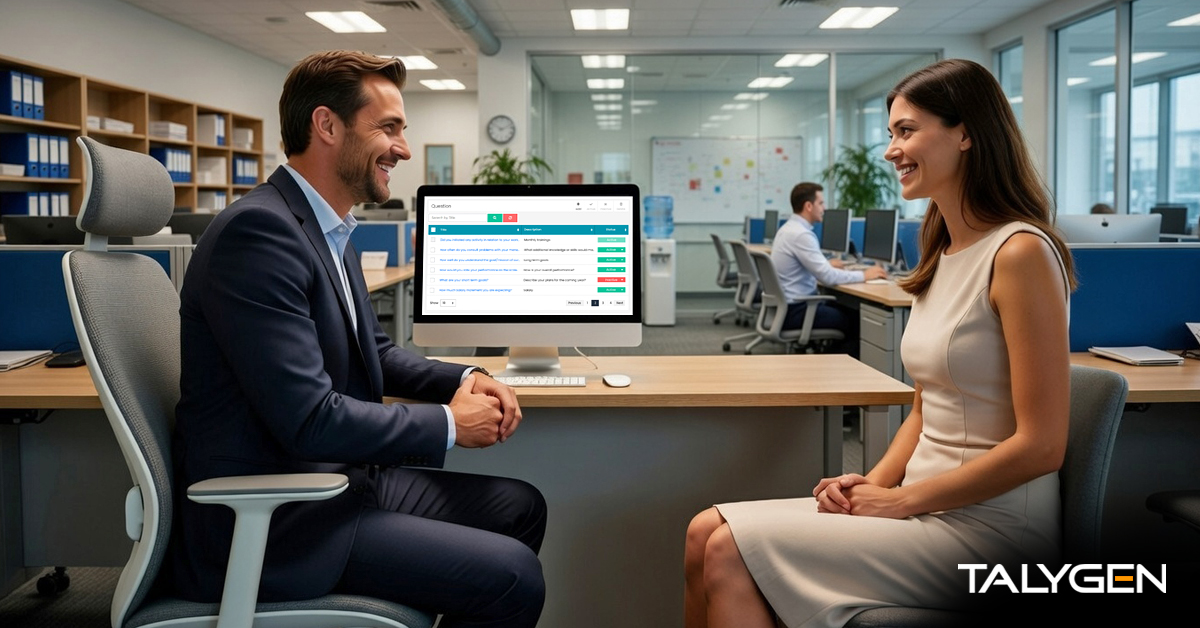
How Talygen Helps You Conduct Meaningful Employee Performance Reviews Without Bias
Tuesday, March 24, 2026
How Data-Driven Dashboards and Reports Help Businesses Make Better Decisions
Monday, March 23, 2026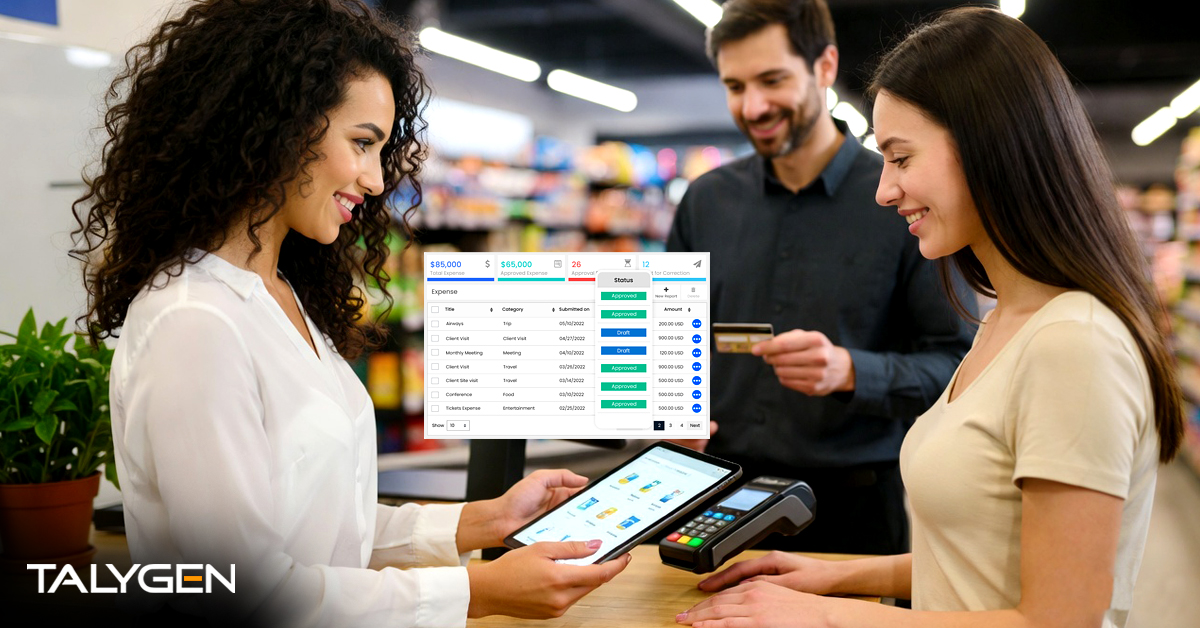
Expense Tracking and Automated Invoicing: A Smarter Way to Manage Business Finances
Sunday, March 22, 2026
Why Unified Communication Platforms Are Replacing Traditional Workplace Tools
Saturday, March 21, 2026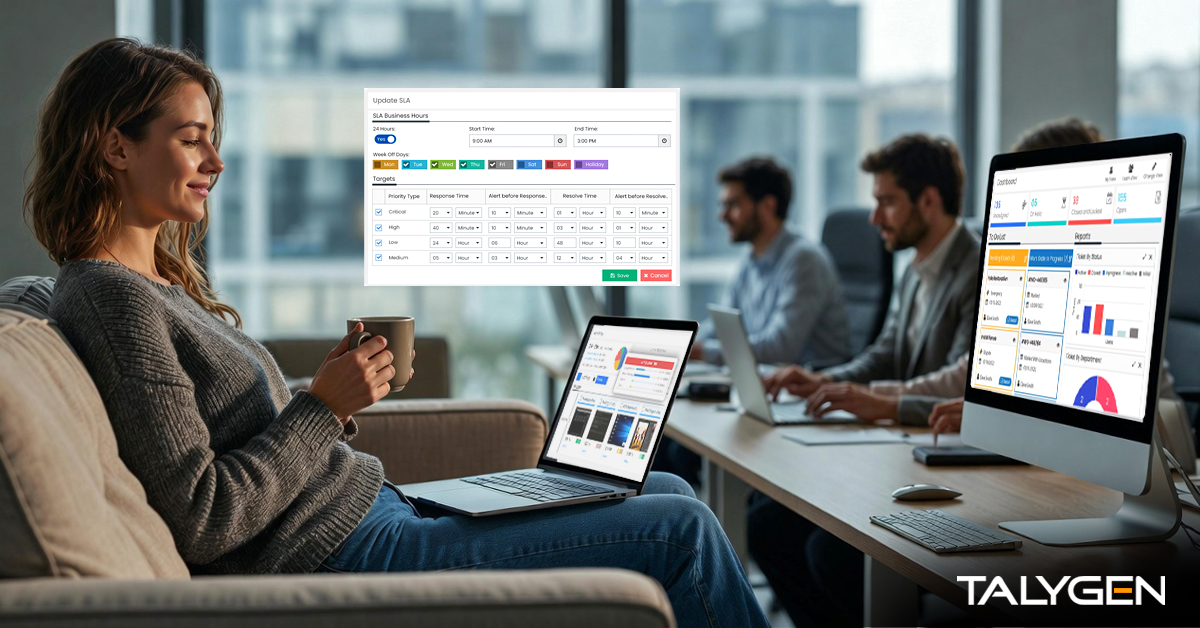
The Role of Ticketing Systems in Delivering Better Customer Support
Friday, March 20, 2026
How Automation Simplifies HR Processes: Hiring, Leave Management, and Performance Reviews
Thursday, March 19, 2026
Employee Monitoring vs Employee Productivity Tracking: What Businesses Should Know
Wednesday, March 18, 2026
CRM for Growing Businesses: How to Manage Leads, Clients, and Sales in One Platform
Tuesday, March 17, 2026
Project Management Automation: How Businesses Can Deliver Projects Faster
Monday, March 16, 2026
How Time Tracking Software Improves Team Productivity and Accountability
Sunday, March 15, 2026
The Ultimate Guide to All-in-One Business Management Software
Saturday, March 14, 2026
Leave Management and Absence Tracking A Manager’s Complete Guide
Friday, March 13, 2026
The Complete Guide to Employee Monitoring: What to Track and How to Do It Ethically
Thursday, March 12, 2026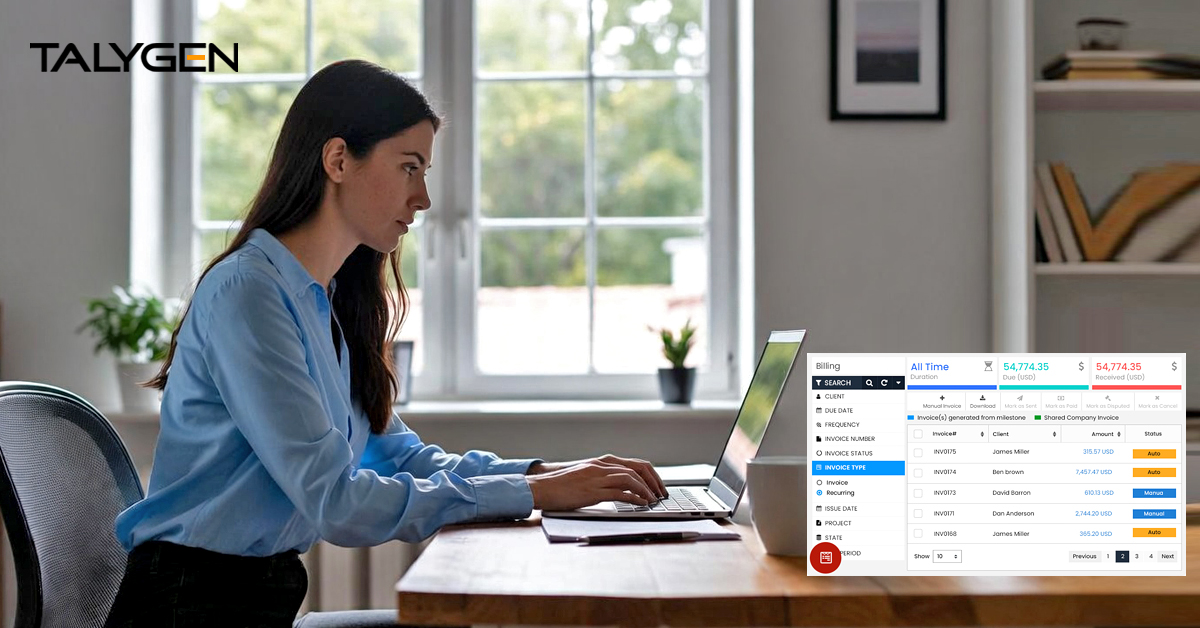
How to Track Billable Time Across Projects, Clients, and Teams (Without Spreadsheets)
Wednesday, March 11, 2026
The True Cost of Tool Sprawl: What Businesses Pay When They Use 10 Different Apps
Tuesday, March 10, 2026
How to Streamline the Full Employee Lifecycle: Hiring to Performance Review
Monday, March 09, 2026
Asset Management for Small and Mid-Size Businesses: A Practical Guide
Friday, March 06, 2026
How Client Portals Improve Transparency and Reduce Back-and-Forth: A Guide to Talygen’s Client Portal
Thursday, March 05, 2026
How to Manage Field Service Teams Without Losing Visibility?
Tuesday, March 03, 2026
The 2026 Manufacturing Paradigm: Talygen’s Project Management as a Strategic Power Engine
Monday, March 02, 2026 Feb

AI-Driven Ticket Management Software in 2026: A Strategic Framework for Intelligent Service Operations
Friday, February 27, 2026
A Strategic Study of Talygen’s Third-Party Integration Infrastructure
Thursday, February 26, 2026
The Impact of Hybrid Billing Models on Business Performance: A Study of Talygen’s Invoicing Solutions in 2026
Wednesday, February 25, 2026
Easy-to-Use and Efficient Employee Training Solution for Modern Workforce Management
Tuesday, February 24, 2026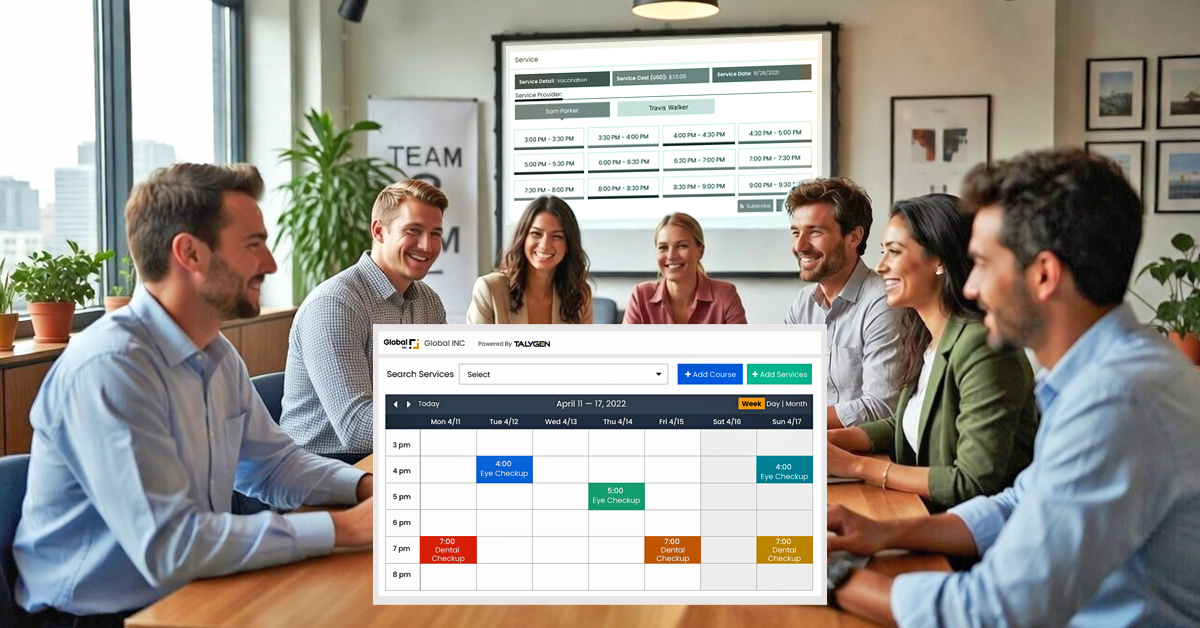
What to Look for in a Modern Appointment Scheduling Software for Client-Facing Teams
Monday, February 23, 2026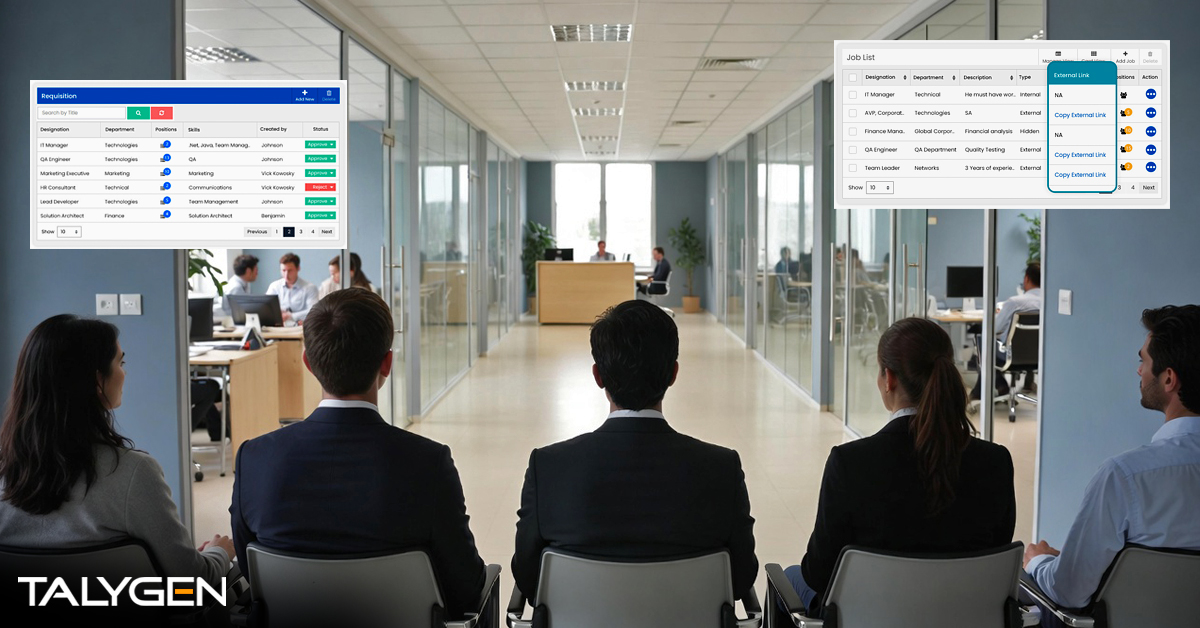
Hiring in 2026: How Talygen’s Feature-Rich Hiring Software Solves Every Modern Hiring Challenge
Friday, February 20, 2026
The Complete Guide to Balancing Employee Autonomy with Operational Discipline in the Age of Flexible Leave Policies
Thursday, February 19, 2026
Personalized Dashboard Software in 2026: The Strategic Shift from Data Viewing to Intelligent Decision Execution
Wednesday, February 18, 2026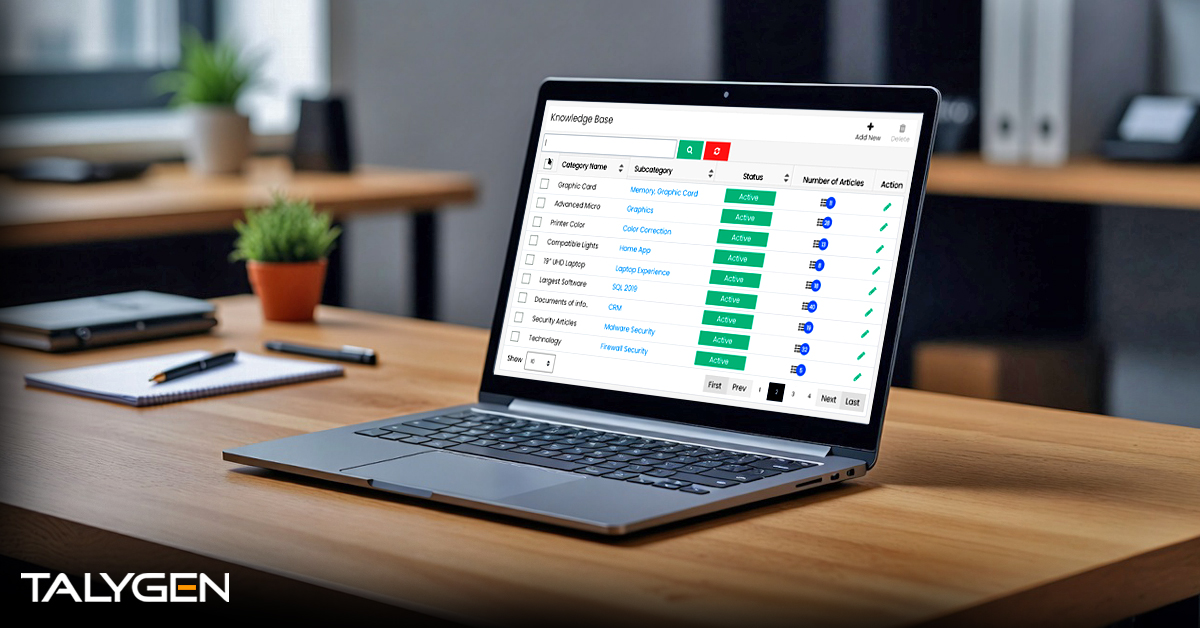
The Evolution of Knowledge Management: Talygen’s Strategic Advantage
Tuesday, February 17, 2026
Talygen for the Telecom Industry: A Unified CRM and Asset Management Framework for Superior Customer Experience
Monday, February 16, 2026
The Evolution of Freelance Management with Talygen: Optimizing Productivity and Profitability
Friday, February 13, 2026
Learn Why There is a Need for Transforming Manufacturing Operations with Talygen’s Intelligent Automation
Thursday, February 12, 2026
Modernizing Travel Operations: How Talygen Revolutionizes the Industry for Better Efficiency
Wednesday, February 11, 2026
Modern Education Management: How Talygen Redefines Operational Excellence in Academic Institutions
Tuesday, February 10, 2026
Leveraging Time Tracking Technology for Accurate Project Costing and Resource Allocation
Monday, February 09, 2026
The Strategic Role of Intelligent Expense Management Software in Shaping Financial Governance by 2026
Friday, February 06, 2026
Field Service Management Software: A Strategic Imperative for the Modern Service Economy
Thursday, February 05, 2026
Talygen Client Portal Software: The Future of Secure Client Collaboration
Wednesday, February 04, 2026
Talygen Project Management Software: Simplifying Projects Across Industries
Tuesday, February 03, 2026
From Temporal Measurement to Predictive Workforce Analytics: Reframing Time Tracking in the Era of AI-Driven Enterprises
Monday, February 02, 2026 Jan
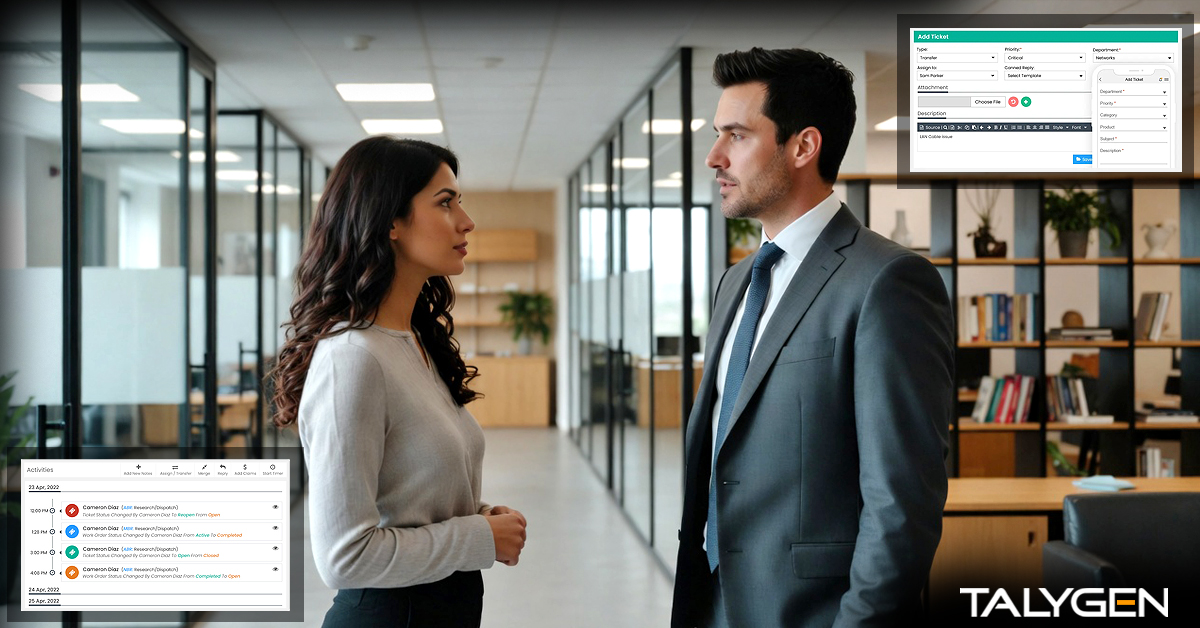
Ticket Management Software for the IT Industry: The Complete Guide to Features, Benefits & Trends
Friday, January 30, 2026
How Talygen Transforms Enterprise Support: Boost Productivity and Efficiency
Thursday, January 29, 2026
Streamlining Billing in Banking and Finance: Transforming Operations for Greater Efficiency
Wednesday, January 28, 2026
Transforming B2B eCommerce with Unified Communication Software by Talygen
Tuesday, January 27, 2026
Driving Automotive Excellence with Talygen: A Smarter Way to Manage CRM, Field Service & Real-Time Tracking
Friday, January 23, 2026
Talygen: The All-in-One Business Automation Platform Powering the Future of Travel Companies
Thursday, January 22, 2026
Want to Build Scalable, Efficient Businesses? Learn How Talygen’s Productivity Suite Simplifies
Wednesday, January 21, 2026
Learn How to Manage Workflows, Teams, and Data with Talygen's Productivity Suite
Tuesday, January 20, 2026
Talygen CRM: Powerful Software for Sales, Marketing & Customer Support
Monday, January 19, 2026
Revolutionizing Customer Service: How Talygen's Ticket Management Software Helps Businesses Thrive
Friday, January 16, 2026
Asset Management Software: Smarter Control Across the Asset Lifecycle
Thursday, January 15, 2026
Field Service Management Software: Powering Smarter Field Operations
Wednesday, January 14, 2026
Talygen Expense Tracker: A Smarter Way to Control, Track, and Optimize Business Expense
Tuesday, January 13, 2026
Event Management Software in 2026: Benefits, Trends & Talygen’s Smart Event Solution
Monday, January 12, 2026
Learn How Recruitment Screening Software Reduces Time-to-Hire and Costs
Friday, January 09, 2026
The Future of Business Payments: Online Billing & Invoicing Software
Thursday, January 08, 2026
Simplifying Employee Evaluations with Modern Performance Review Tools
Wednesday, January 07, 2026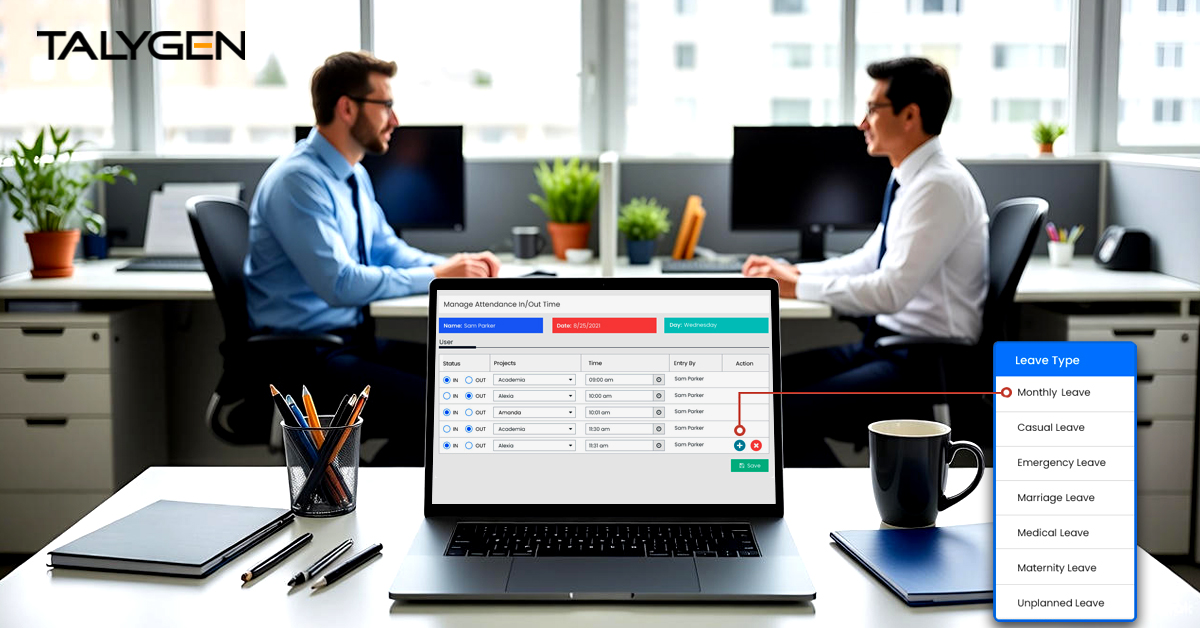
Streamline Leave and Attendance with Talygen’s Leave Management System for High-Performance Teams
Tuesday, January 06, 2026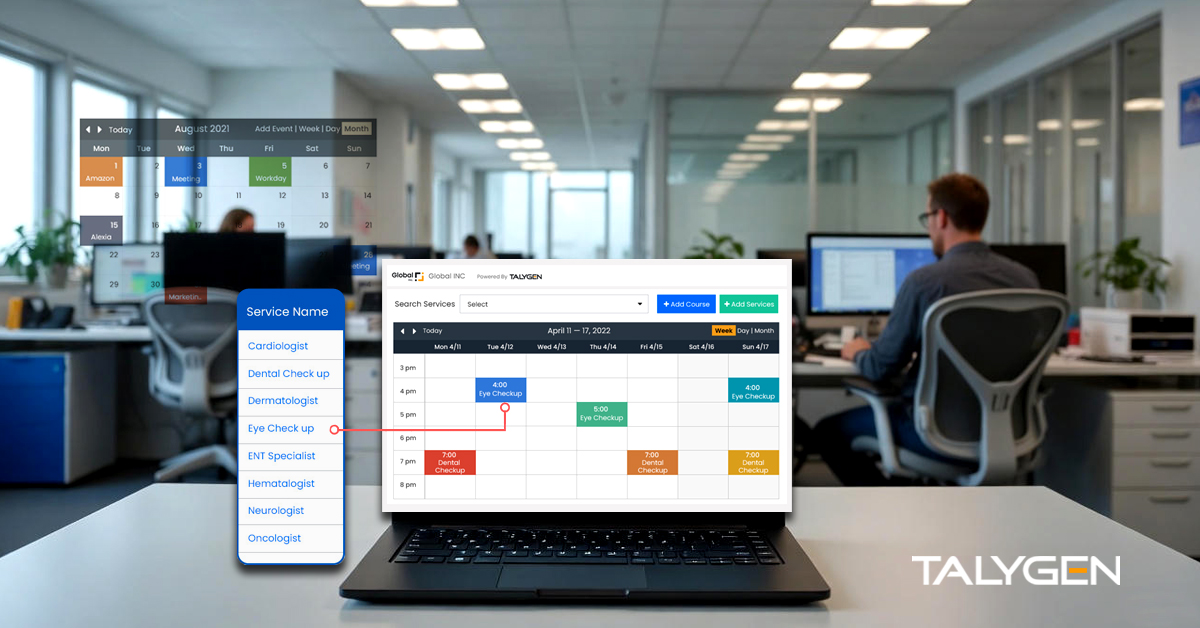
Transforming Business Scheduling with Talygen Appointment Calendar Software
Monday, January 05, 2026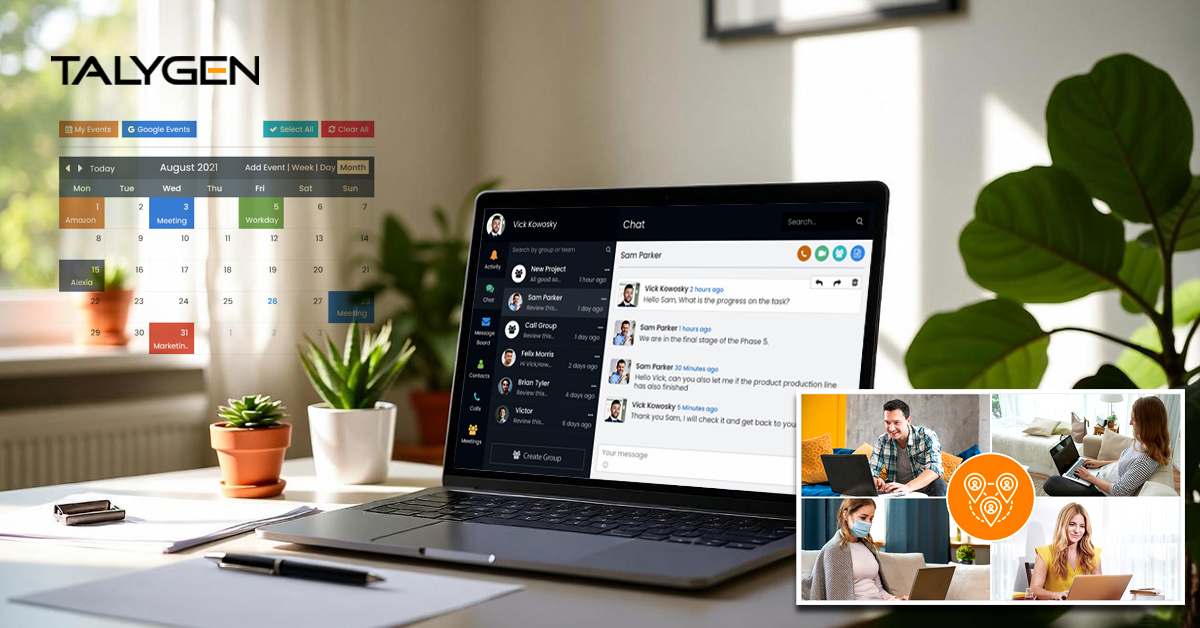
Talygen: The Most Trusted Unified Communication Software for Enhanced Collaboration
Friday, January 02, 2026 2025
Dec
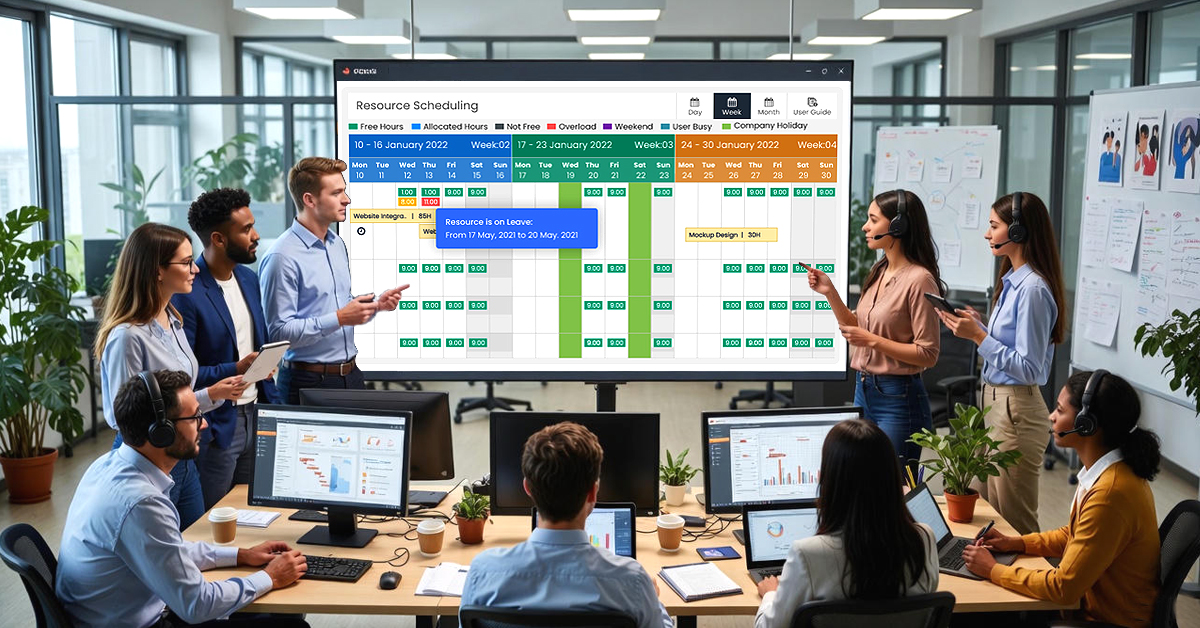
Resource Scheduling: The Foundation of Efficient Project Execution and Workforce Optimization
Wednesday, December 31, 2025
Talygen Knowledge Base Software: A Smarter Way to Centralize, Share, and Scale Knowledge
Tuesday, December 30, 2025
Talygen Personalized Dashboard: Turning Business Data into Actionable Insights
Monday, December 29, 2025
Talygen Client Portal: A Smarter Way to Communicate, Collaborate, and Deliver Value to Clients
Friday, December 26, 2025
Document Storage Software: Driving Efficiency, Security, and Scalable Business Growth
Wednesday, December 24, 2025
Approval Rules and Audit Software: Powering Compliance, Control, and Business Growth
Tuesday, December 23, 2025
The Future of Utility Billing: Automation, Efficiency, and Customer Satisfaction
Monday, December 22, 2025
The Strategic Value of Third-Party Integrations and Add-Ons in Modern Software Ecosystems
Friday, December 19, 2025
The Ultimate Guide to Organizational Charts: Importance, Benefits, and How Talygen Transforms the Process
Thursday, December 18, 2025
Revolutionizing Business Reporting in 2025: Real-Time Data and Analytics Tools
Wednesday, December 17, 2025
How Better Asset Management Reduces Downtime and Extends Equipment Lifespan
Tuesday, December 16, 2025
Why Time Tracking Fails in Many Organizations and the Framework That Actually Works
Monday, December 15, 2025
Centralized Document Storage: Why It Matters for Remote & Hybrid Teams
Friday, December 12, 2025
How Workflow Automation Eliminates Repetitive Tasks & Boosts Team Efficiency
Thursday, December 11, 2025
How Field Service Teams Can Improve First-Time Fix Rates with Better Scheduling Tools
Wednesday, December 10, 2025
The Real ROI of Automated Billing & Invoicing for Small and Mid-Sized Businesses
Tuesday, December 09, 2025
Top Employee Monitoring Mistakes Businesses Make And How to Avoid Them
Monday, December 08, 2025
Why Service-Based Businesses Need a Centralized Client Management System
Friday, December 05, 2025How All-in-One Business Tools Reduce Subscription Overload for Growing Companies
Thursday, December 04, 2025
Streamline Your Business with Talygen's Powerful CRM Software: A Complete Guide
Wednesday, December 03, 2025
Boost Cash Flow in 2025 With Smart Automated Billing & Invoicing Tools
Tuesday, December 02, 2025
Decoding the Core Challenges of Field Service Management: Why Talygen Is the Answer
Monday, December 01, 2025 Nov
How to Choose the Right Appointment Scheduling Software for Your Business (And Why Talygen Stands Out)
Friday, November 28, 2025
Talygen: Future-Proofing Your Field Workforce with Modern FSM Tool
Thursday, November 27, 2025
Quit Manual Appointment Scheduling: Implement Talygen to Reduce Errors and No-Shows
Friday, November 21, 2025
Automated Employee Monitoring Software: Why It Matters & Who’s Leading the Market
Friday, November 14, 2025 Oct
Discover How Talygen Helps in Streamlined Asset Oversight Through Remote Monitoring
Thursday, October 30, 2025
Do Remote Employees Perform Their Best? Balance Trust and Accountability with Talygen’s Employee Monitoring Software
Wednesday, October 22, 2025
Advanced Employee Monitoring Empowering Businesses and Learn How Talygen Can Contribute to Your Success
Tuesday, October 14, 2025
Top 5 Asset Management Challenges and How Talygen Solves Them
Wednesday, October 01, 2025
Execute, Track, and Optimize Asset Inspections with Talygen's Automated Solution
Wednesday, October 01, 2025 Sep

Mastering Business Finances: Everything You Need to Know About Expense Tracking Software
Wednesday, September 24, 2025
Streamline Your Finances with Talygen: The Powerful Invoice Management Tool for Modern Businesses
Wednesday, September 17, 2025
The Complete Guide to Why Every Organization Needs a Smart Leave Management System
Friday, September 05, 2025 Aug

Expense Tracking Apps – A Strategic Tool for Managing Business Finances
Friday, August 29, 2025
Top 5 Leave Management Software to Monitor Employee Leave Trends Effectively
Thursday, August 28, 2025
Best Construction Project Management Software of 2025: Tools That Transform Building Projects
Monday, August 25, 2025
Enhance Employee Performance with Talygen: The Leading Productivity and Activity Monitoring Tool
Friday, August 01, 2025 Jul
 Jun
Jun

Enhancing Workforce Efficiency with Talygen's Silent Activity Monitoring Software for EdTech
Friday, June 27, 2025
Silent Activity Monitoring Software: Discover the Key Features and the Benefits of the Tool
Friday, June 13, 2025
Why Employee Monitoring Software is Essential for Businesses Today
Friday, June 06, 2025
Addressing the Growing Need for Remote Employee Monitoring with Talygen
Monday, June 02, 2025 May
The Complete Guide to Why Choose Talygen for Remote Workforce Management?
Friday, May 16, 2025
Enhance Employee Engagement and Productivity with Talygen’s Silent Activity Monitoring
Monday, May 12, 2025 Apr

Why Employee Monitoring Software is Essential for Hybrid, Remote, and In-Office Teams?
Friday, April 25, 2025
Why Talygen's User Activity Monitoring Software is the Best Solution for Remote Workforce Management
Friday, April 18, 2025
The Vital Role of Talygen's Employee Monitoring Tools for Remote Teams
Friday, April 11, 2025
5 Remote Employee Monitoring Trends to Watch in 2025
Saturday, April 05, 2025 Mar

Are Remote Workers More Productive?- A Practical Feedback
Friday, March 28, 2025
7 Ways Talygen's Personalised Remote Monitoring Solutions Can Benefit You Down the Road
Thursday, March 20, 2025
Editor's Choice: The Top 7 Time Monitoring Apps for 2025
Wednesday, March 12, 2025
Why is Stealth Employee Monitoring Software Crucial in Regulated Industries?
Friday, March 07, 2025 Feb

How to Stay Proactive While Working from Home
Wednesday, February 26, 2025
Boosting Workplace Focus: 9 Strategies to Overcome Digital Distractions
Thursday, February 20, 2025
Tackling the Hidden Productivity Killer: Workplace Distractions
Tuesday, February 11, 2025
2025's Best User Activity Monitoring Tools: Choose the Best Fit
Thursday, February 06, 2025 Jan
Handling Remote Work Management with Silent Activity Tracking Software
Tuesday, January 28, 2025
Stealth Mode Monitoring: The Latest in Employee Management
Thursday, January 23, 2025
Employee Monitoring: Balancing Productivity and Privacy in the Modern Workplace
Wednesday, January 15, 2025
From Low to High Productivity with Employee Monitoring Software in Modern Workplaces
Friday, January 03, 2025
Watching Employee’s Computer Use at Work: Why It Matters
Thursday, January 02, 2025 2024
Dec
Optimizing Contingent Workforce Management: Best Practices for Success
Thursday, December 26, 2024
Top 10 Project Management Software to Track Progress and Scale Organizations
Friday, December 20, 2024
Why Do Companies Need to Monitor Employees Working Remotely?
Tuesday, December 10, 2024
The 2-Minute Rule: A Quick Way to Increase Productivity
Monday, December 02, 2024 Nov

Are You a Startup? Things You Need in Your Time Management Toolkit!
Tuesday, November 19, 2024
Trends and Innovations in Stealth Employee Monitoring Software
Wednesday, November 13, 2024
Learning to Manage Employees Well in Hybrid Workplaces Using Silent Activity Tracking Software
Wednesday, November 06, 2024 Oct

Time Tracking for Freelancers Across Industries: The Talygen Solution
Tuesday, October 22, 2024
8 Reliable QuickBooks Time Alternatives: Unlocking Productivity with Talygen
Thursday, October 17, 2024
The Effects of Silent Activity Tracking Software in 2024: All That is Known Before Investment
Thursday, October 10, 2024
When (and When Not) to Use User Activity Monitoring in Your Remote Workforce
Thursday, October 03, 2024 Sep

Talygen: The Ultimate Solution for Ethical Employee Monitoring
Thursday, September 26, 2024
Why You Might Want Hidden User Activity Monitoring Software
Friday, September 20, 2024
Top Trends for Remote Work Management in 2024
Friday, September 20, 2024
6 Expert Ways to Balance Privacy & Safety in Remote Work with Silent Monitoring
Friday, September 20, 2024
How Engaged Employees Drive Overall Business Growth
Thursday, September 19, 2024
How to Enhance Workforce Monitoring with the Silent App?
Thursday, September 19, 2024
Employee Moonlighting: How Does Stealth Mode Monitoring Software Prevent It?
Thursday, September 19, 2024
How To Monitor My Employees Without Letting Them Know?
Thursday, September 19, 2024
How Do Employers Monitor Employees' Internet Usage in Stealth Mode?
Thursday, September 19, 2024
How to Know If Your Remote Employees Are Working
Wednesday, September 11, 2024
Why Remote Employee Monitoring Has Become Necessary? How To Monitor Them Silently?
Friday, September 06, 2024 Aug
2024 Guide to Track Remote Employees with Stealth Employee Monitoring Software
Friday, August 30, 2024
Time Tracking Mistakes Can Be More Costly Than Just Money — 7 Explanations for Why Silent Activity Tracking Software is the Solution
Thursday, August 22, 2024
The Importance of Intelligent Asset Management and Maintenance for Petrobras
Tuesday, August 20, 2024
Tired of Time Clocking Problems? Here's What to Do
Friday, August 16, 2024
How Hired Portal Manages to Overcome Modern Hiring Challenges
Wednesday, August 14, 2024
What is a Phased Return to Work with an Inclusive Workplace and Seamless Reintegration
Wednesday, August 14, 2024
A Comprehensive Guide to Managing Employee Leave and Attendance with HR Automation
Tuesday, August 13, 2024
How Hired Portal by Talygen is Changing the Recruitment Processes
Monday, August 12, 2024
How Does User Activity Monitoring Help Prevent Employee Time Theft
Thursday, August 08, 2024
Understanding Employee Time Theft and the One-Stop Solution to Minimize It
Thursday, August 01, 2024 Jul

How Does Silent App Help Small Businesses Get More ROI?
Wednesday, July 31, 2024
8 Ways a Silent Time Tracker Solves Most of Your Remote Work Challenges
Friday, July 26, 2024
Silent Activity Tracking Software: The Quiet Helper for Enhancing Work and Safety
Wednesday, July 17, 2024
Mastering Stealth Employee Monitoring: 7 Features that Matter
Tuesday, July 16, 2024
What Is Asset Tracking? Benefits & How It Works
Monday, July 15, 2024
The Significance of Choosing the Right Asset Management Software
Monday, July 15, 2024
Manual Timesheets: Why It's Time to Move On
Monday, July 15, 2024
6 Expert-Chosen User Activity Monitoring Software You Can Trust in 2024
Thursday, July 11, 2024
8 Awesome Benefits Of Tracking Your Employees’ Time
Thursday, July 11, 2024
Stealth Mode Monitoring: Benefits for Remote and Office Work Environments
Tuesday, July 09, 2024
Silent App: Helps Limiting the Impact of Employee Disengagement
Friday, July 05, 2024
How Does Integrating the Right Silent Activity Tracking Software Help Managers in Better Team Analysis?
Wednesday, July 03, 2024 Jun

Employee-Friendly Tracking of Team Computer Activity in 2024
Friday, June 28, 2024The rise of the worker productivity score
Wednesday, June 26, 2024Moonlighting is no longer just for vigilantes : Moonlight employees are on the rise
Wednesday, June 26, 2024Employee monitoring tools get a facelift
Wednesday, June 26, 2024Hybrid work hack: as mouse jigglers fool employee monitoring software, bosses fight back
Wednesday, June 26, 2024Mouse jigglers, power nappers force productivity-obsessed corporate America to fight ‘Keyboard Fraud’
Wednesday, June 26, 2024How some federal employees are pretending to work using 'mouse jigglers'
Wednesday, June 26, 2024How corporate America is battling the rise of ‘keyboard frauds’
Wednesday, June 26, 2024Companies are cracking down on mouse jigglers
Wednesday, June 26, 2024
Prevent Quiet-Quitting with silent app
Monday, June 24, 2024
Debunking 8 User Activity Monitoring Myths & Misconceptions
Friday, June 21, 2024
7 Features to Look for in Your Next User Activity Monitoring Software
Friday, June 21, 2024Wells Fargo fired a dozen people accused of faking keyboard strokes
Friday, June 21, 2024Wells Fargo remote workers fired for feigning to be at work
Friday, June 21, 2024Wells Fargo fires more than a dozen employees for faking work: report
Friday, June 21, 2024Wells Fargo Employees Let Go for Using ‘Mouse Jigglers’ at Work
Friday, June 21, 2024Wells Fargo fires workers after allegedly catching them simulating keyboard activity
Friday, June 21, 2024Remote Employee Fired for 'Low Keystroke Activity' During Working Hours After 18 Years of Employment
Friday, June 21, 2024Wells Fargo Fires Employees for Fake Working
Friday, June 21, 2024Wells Fargo employees fired for 'simulation of keyboard activity'
Friday, June 21, 2024Wells Fargo fires group of employees after a startling discovery
Friday, June 21, 2024
Stealth Computer Monitoring of Employees Working Remotely
Thursday, June 20, 2024
10 Tips for Choosing the Best Silent Activity Monitoring Software
Wednesday, June 19, 2024
Stealth Mode Monitoring: What You Need to Know
Thursday, June 13, 2024
The Complete Guide to Effective Ways to Monitor Employee Computer Activity
Monday, June 10, 2024
Business Growth Hack – How To Make Employees More Productive?
Friday, June 07, 2024 May

Are There Any Essential Considerations for Remote Company Management?
Friday, May 31, 2024
How to Build Confidence in Your Remote Team (and Yourself)?
Thursday, May 30, 2024
Is Talygen’s Remote Employee Management Tool A Key to Success?
Thursday, May 23, 2024
Time Blocking Tips & Tricks to Conquer Your Day in Business
Thursday, May 16, 2024
Explore Remote Team Productivity with Online Time Tracker tools
Friday, May 10, 2024
Why Now is the Prime Time to Hire Remotely (and How to Do It Right)?
Thursday, May 02, 2024 Apr
How Businesses Can Manage Remote Work with Advanced Team Monitoring Software
Friday, April 26, 2024
8 Top Remote Work Tracking Software for Marketers in 2024
Friday, April 19, 2024
8 Benefits of Employee Monitoring with Time Tracking Tools in 2024
Wednesday, April 17, 2024
Learn How to Tackle Remote Work Time Tracking Challenges Automatically
Friday, April 12, 2024
3 Payroll Challenges and Solutions for Smooth Operations in Remote Teams
Wednesday, April 10, 2024
How to Boost Your Work Efficiency with Easy-follow Tips
Thursday, April 04, 2024
Some Easy Steps to Compute Working Hours With Precision
Wednesday, April 03, 2024 Mar
Is Talygen the Top Employee Monitoring Software of 2024?
Thursday, March 28, 2024
Employee Monitoring: Do You Understand Bossware and Its Implications?
Wednesday, March 27, 2024
How to Increase Employee Productivity During a Recession?
Thursday, March 21, 2024
From Office Study Table to Global Marketplace: Tips to Scale Your Freelance Business
Friday, March 15, 2024
10 Benefits of Time Tracking with Screenshots Solutions in a Remote Team
Thursday, March 14, 2024
7 Best Clockify Alternatives for Easy Time Tracking in 2024
Wednesday, March 13, 2024
8 Things Most Managers Get Wrong About Time Tracking (& the Solution)
Thursday, March 07, 2024
From Burnout to Balance: Talygen's Solution to Remote Work Overtime
Friday, March 01, 2024 Feb

Maximizing Outsourcing Success: Strategies and Tools for Managers
Wednesday, February 28, 2024
Managing Time, Energy, and Focus for Remote Employee Productivity
Thursday, February 22, 2024
The Ultimate Guide to Manage Your Remote Employees Anytime
Friday, February 16, 2024
Learn About Essential Considerations for Remote Team Monitoring
Wednesday, February 14, 2024
What Are the Challenges of Remote Employee Monitoring
Friday, February 09, 2024
How Does Time Tracking Software Help HR Ensure a Successful Remote Work Setup?
Wednesday, February 07, 2024
10 Simple Ways to Boost Employee Morale in 2024
Thursday, February 01, 2024 Jan
Why Do Creative Project Managers Require Time Tracking Solutions?
Monday, January 29, 2024
Which Industries Benefit the Most from Time Tracking Software?
Thursday, January 25, 2024
How Do You Manage Workforce Success with Talygen's Time Tracking Software?
Thursday, January 18, 2024
What are the Major Obstacles in Remote Project Management?
Friday, January 12, 2024
Talygen’s Flawless Approach to Employee Engagement and Retention in 2024
Wednesday, January 10, 2024
Reclaim Your Time, Own Your Work: A Time Management Revolution with Talygen
Friday, January 05, 2024
Remote Work Success with Employee Monitoring Tools: Talygen
Wednesday, January 03, 2024 2023
Dec

5 Biggest Challenges of Remote Time Tracking and How Talygen Makes the Difference
Friday, December 29, 2023
A Complete Guide to Easing Employee Burnout Through Human-Machine Partnership
Friday, December 29, 2023
Insights into Global Work-from-Home Productivity Trends in 2023
Thursday, December 21, 2023
Secrets of Remote Work Productivity and Expert Strategies for Time Management
Wednesday, December 20, 2023
Communicating the Value of Remote Monitoring Tools to Your Team with Talygen
Friday, December 15, 2023
The Manager's Guide to SMART Goal Setting in the Virtual Workspace
Wednesday, December 13, 2023
Crafting a Positive Company Culture with Remote Team Monitoring Tools
Friday, December 08, 2023
Talygen Diaries: A Deep Dive into a Week of Data-Driven
Wednesday, December 06, 2023
7 Common Mistakes While Working Remotely and How to Prevent Them
Friday, December 01, 2023 Nov
Are Remote Employees Productive? A Complete Analysis
Wednesday, November 29, 2023
Visualize Your Business's Goals with Time Tracking and Remote Monitoring Tools
Friday, November 24, 2023
A Comprehensive Review of Time Tracking Software for Small Business
Wednesday, November 22, 2023
From Couch to Conference Call: A Virtual Odyssey of Productivity with Talygen
Thursday, November 16, 2023
Remote Employee Management Software: Redefining Accountability Innovative Tools
Wednesday, November 15, 2023
Global Talent Accessibility: Why Now is the Perfect Time to Hire Remote Employees?
Thursday, November 09, 2023
Industrial Resource Planning: Achieving the Balance between Time and Talent Fusion
Wednesday, November 08, 2023
How to Use Time Trackers with Screenshots Without Being Intrusive?
Thursday, November 02, 2023
Quiet Quitting: The Hidden Danger That's Sabotaging Your Remote Team
Wednesday, November 01, 2023 Oct

Harnessing the Benefits of Time Tracking Software with Screenshots
Friday, October 27, 2023
Know How to Use Remote Team Monitoring to Prevent Burnout
Thursday, October 26, 2023
Know How Top Companies Master Time Management
Saturday, October 21, 2023
How Talygen Transforms Call Center Workforce Management?
Wednesday, October 18, 2023
The Complete Guide to Team Time Tracking in 2023
Friday, October 13, 2023
The 3 Best Time Tracking with Screenshots Apps ( of all Time) You Must Know!
Thursday, October 12, 2023
Talygen's Remote Team Monitoring Works for 7 Reasons!
Friday, October 06, 2023
A Visual Approach to Time Management: Exploring Time Tracking Software with Screenshots
Wednesday, October 04, 2023 Sep

Boost Remote Staff’s Productivity with Cutting-Edge Tracking Tools
Friday, September 29, 2023
Achieving Excellence in Professional Services: The Role of Remote Team Monitoring Tools
Wednesday, September 27, 2023
The Compass, Not the Watchtower: Navigating Remote Work with Talygen
Friday, September 22, 2023
Thousands of Remote Employees to Track? Use Time Tracking Solutions with Screenshots
Wednesday, September 20, 2023
8 Strategies to Enhance Business Growth While Working Remotely
Friday, September 15, 2023
Why Task Prioritization Is Essential for Any Business?
Thursday, September 14, 2023
Time Tracking Software with Screenshots: An Essential Guide to Benefits & Factors to Consider
Friday, September 08, 2023
A Comprehensive Guide to Optimizing Your Business Tasks
Wednesday, September 06, 2023
The Complete Guide to the Rise of Employee Work Tracking with Screenshots in the Workplace
Friday, September 01, 2023 Aug

Why is Automation Critical to Succeed in a Remote Working Environment?
Tuesday, August 29, 2023
Fostering Full Visibility at Workplace: The Role of Time Tracker with Screenshot Software
Friday, August 25, 2023
What You Need to Know about Time Tracking with Screenshots
Wednesday, August 23, 2023
Learn How a Screenshot Tracking Software Fosters Accountability
Friday, August 18, 2023
Learn Why Automatic Screen Capturing Tool for Mac is a Must-Have
Wednesday, August 16, 2023
Talygen CRM Software: A Must-Have Tool to Enhance Business Relationships
Wednesday, August 09, 2023
Best Expense Tracker App to Count Your Business Overheads: Talygen
Friday, August 04, 2023
One Solution, Multiple Benefits: How Talygen's Online Expense Tracker Serves Every Aspect of Expense Management
Wednesday, August 02, 2023 Jul

Screenshot Automatic Tips from the Best in the Business
Saturday, July 29, 2023
How an Automated Work Tracker Transforms Employee Performance
Tuesday, July 25, 2023
Screenshot Smarts 101: How to Capture and Collaborate Like a Mac Pro
Friday, July 21, 2023
Work Smarter, Not Harder: Try Daily Work Tracking for Optimal Productivity
Thursday, July 20, 2023
The Best Remote Work Monitoring Software for Government Offices
Friday, July 14, 2023
How Talygen’s WFH Monitoring Software Can Be Used in Call Centers
Wednesday, July 12, 2023
Why Should Companies Use Expense Tracker Software?
Friday, July 07, 2023
The 6 Best Online Expense Trackers for Small Businesses
Wednesday, July 05, 2023 Jun

What to Look for in an Project Expense Tracker
Friday, June 30, 2023
The Best Online Expense Trackers for Freelancers
Wednesday, June 28, 2023
Top Industries That Can Benefit From Using Time-Tracking Software
Thursday, June 22, 2023
How Can Organizations Benefit From Using Cloud-Based Time Trackers?
Wednesday, June 21, 2023
Addressing Resource Scheduling Issues With Talygen
Friday, June 16, 2023
Your Definitive Guide to Using Resource Planning and Scheduling Software
Tuesday, June 13, 2023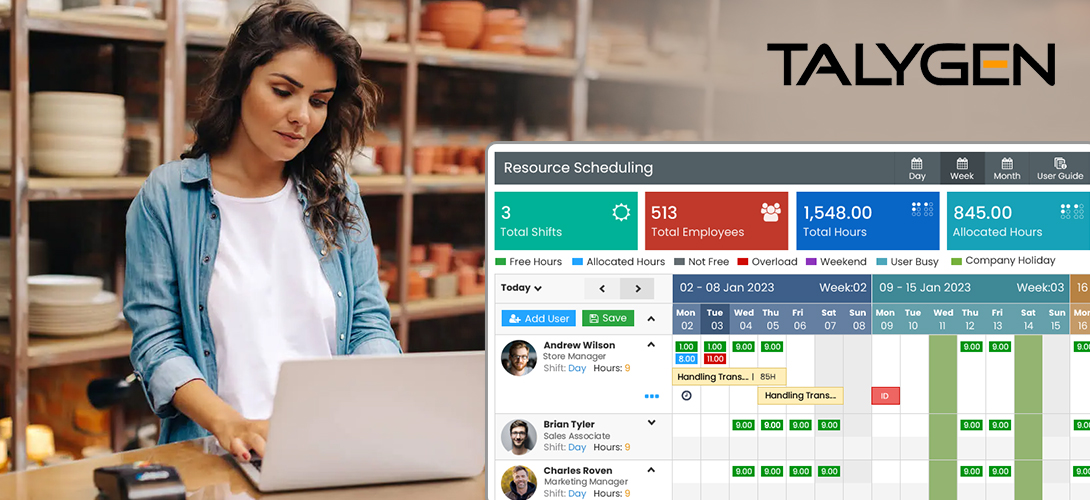
The Best Resource Scheduler Software for Retail
Friday, June 09, 2023
Why Small Businesses Need to Use Resource Scheduling Tools
Thursday, June 08, 2023 May
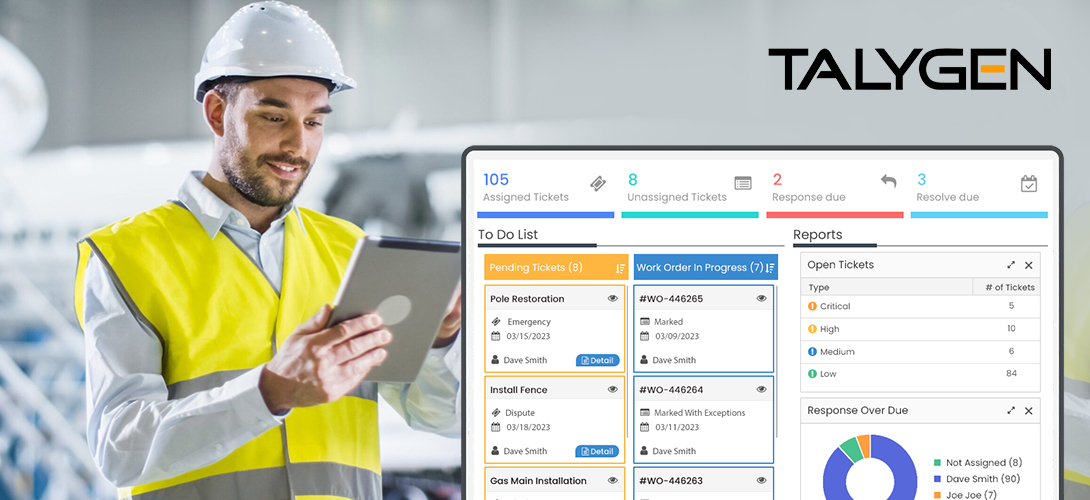
Field Service Management Software Explained
Tuesday, May 30, 2023
The Best Time Tracking Software for Small Businesses
Tuesday, May 23, 2023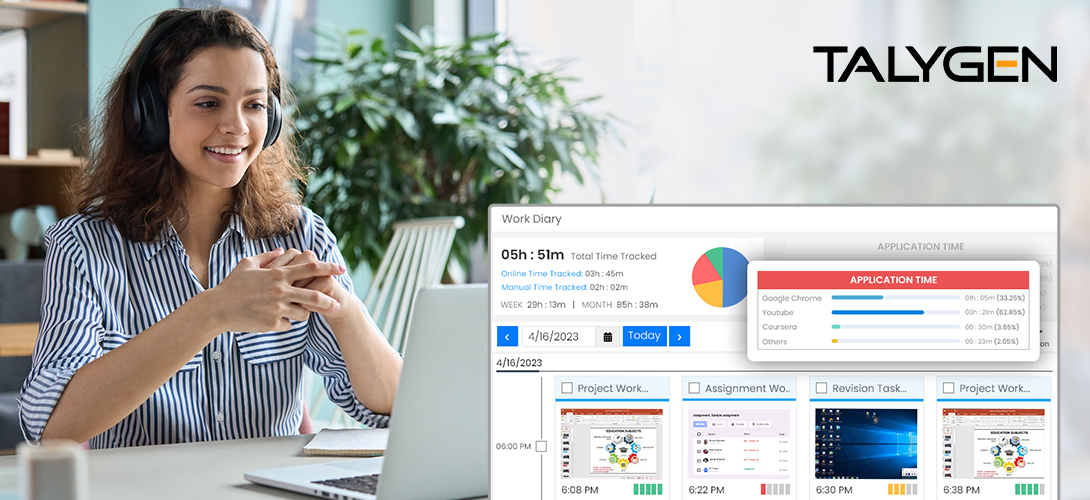
Overview of Remote Work Tracking Solutions for Education
Tuesday, May 16, 2023
Top 5 Benefits of Using Remote Employee Monitoring Tools
Wednesday, May 10, 2023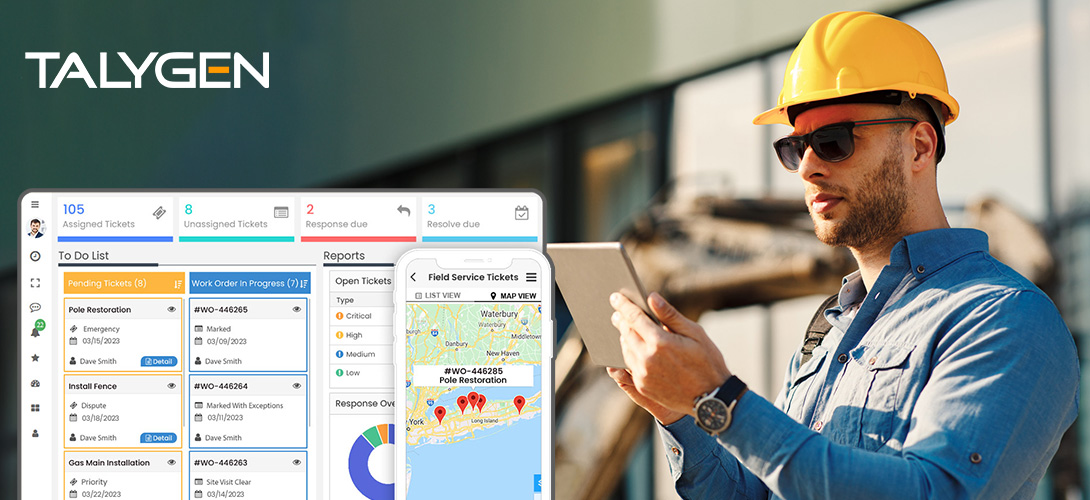
Top Use Cases for Field Service Management Software
Wednesday, May 03, 2023 Apr
The Best FSM Software for the Construction Industry
Wednesday, April 26, 2023
The Top Field Service Management Software for the Excavating Industry
Wednesday, April 19, 2023
Top 5 Resource Scheduling Tool Features that Optimize Resource Utilization
Friday, April 14, 2023
Understanding the Importance of Safe Digging
Thursday, April 13, 2023
What to Consider When Selecting an Online Scheduler Tool
Tuesday, April 11, 2023
10 Must-Have Features To Look For in Online Expense Tracker Software
Thursday, April 06, 2023
Why Every Business Needs an Online Expense Tracker
Tuesday, April 04, 2023 Mar

The ABCs of Resource Planning and Scheduling Software
Friday, March 31, 2023
How Resource Scheduler Software Helps Solve Common Problems
Tuesday, March 28, 2023
Top 5 Tips to Choose the Best Employee Task Management System
Wednesday, March 22, 2023
Top 5 Employee Task Management Software Systems for Small Businesses in 2023
Thursday, March 16, 2023
Importance of Employee Task Tracking Software in 2023
Tuesday, March 14, 2023
The Latest Trends in Employee Task Management Software: Improving Productivity with Talygen
Thursday, March 09, 2023
Use Talygen's Employee Task Management Software to Improve Productivity
Tuesday, March 07, 2023 Feb

Tips to Maximize Efficiency with Employee Task Tracking Software
Tuesday, February 28, 2023
Resource Scheduling Compliance Guide: What it is and How Does it Work?
Friday, February 24, 2023
Get Resource Scheduling Ready for Your Business with Personalized Software
Tuesday, February 21, 2023
How Does Employee Task Management Software Help the Workforce?
Friday, February 17, 2023
Must-Have Employee Task Management Software Features for Small Businesses
Thursday, February 16, 2023
5 Features of Resource Scheduling Software to Optimize IT Operations
Monday, February 13, 2023
Top Features You Should Look For in Resource Scheduling Software
Tuesday, February 07, 2023
How Can Resource Scheduling Software Help your Business?
Friday, February 03, 2023
Top 5 Online Resource Scheduling Tools for 2023
Wednesday, February 01, 2023 Jan

How Does Automated Resource Scheduling Software Benefit Businesses?
Tuesday, January 24, 2023
How Resource Scheduling and Management Software Strengthens Cross-Functional Teams
Friday, January 20, 2023
4 Reasons Why Resource Scheduling Software is Valuable for Businesses
Tuesday, January 17, 2023
The Good and Bad of Remote Team Monitoring Solution
Wednesday, January 11, 2023
5 Crucial Factors to Consider When Choosing an Online Invoicing Software for your Business
Friday, January 06, 2023
Reasons Why Freelancers Need Project Invoicing Software
Tuesday, January 03, 2023 2022
Dec

The Best Resource Scheduling Tools for Consultants
Friday, December 30, 2022
Resource Scheduling Software Guide: Which One Should You Choose?
Tuesday, December 27, 2022
Overview of Online Resource Scheduling Tools
Friday, December 23, 2022
The Best Resource Scheduling Tools for Non-Profits
Wednesday, December 21, 2022
How Field Service Management Software Saves Time and Money
Wednesday, December 14, 2022
5 Field Service Management Software Trends You Should Know
Tuesday, December 13, 2022
5 Emerging Trends of Remote Employee Monitoring For 2023
Friday, December 09, 2022 Nov

5 Reasons to Use Resource Planning and Scheduling Software
Wednesday, November 30, 2022
Explore the Possibilities of Project Invoicing Software for Your Business
Friday, November 25, 2022
Common FAQs Related to Project Invoicing Software
Thursday, November 24, 2022
5 Features Every Expense-Tracking Software Needs
Friday, November 18, 2022
The Best Expense Tracking Software for Manufacturing Companies
Thursday, November 17, 2022
Your Guide to Expense Reports
Friday, November 11, 2022
Why Your Business Needs Expense Tracking Software
Wednesday, November 09, 2022
How does FSM Software Help Track the Live Location of Field Agents?
Wednesday, November 02, 2022 Oct

Top 5 Remote Employee Monitoring Tools and Benefits
Thursday, October 27, 2022
The Best Online Resource Scheduling Tools for Construction Companies
Thursday, October 20, 2022
The Best Online Resource Scheduling Tools for Engineers
Tuesday, October 18, 2022
The Untold Pressures Behind Managing Work-From-Home Employees and Their Solutions
Friday, October 14, 2022
Why Online Expense Tracking is Important for Construction Firms
Tuesday, October 11, 2022
The Best Resource Scheduling Software for Real Estate
Friday, October 07, 2022
The Best Resource Scheduling Software for Healthcare Companies
Tuesday, October 04, 2022 Sep

How Can Online Invoicing Software Promote Steady Business Growth
Friday, September 30, 2022
Top Reasons to Invest in Online Invoicing Software
Tuesday, September 27, 2022
Why Businesses Should Use Online Expense Tracking Software
Thursday, September 22, 2022
What Industries Can Use Expense Trackers?
Wednesday, September 21, 2022
Benefits of Online Invoicing Software for Small Businesses
Friday, September 16, 2022
5 Common Errors You Can Avoid with Billing Software
Wednesday, September 14, 2022
The Best Expense Tracking Software for Startups & Small Businesses
Thursday, September 08, 2022
How Talygen Can Be Used by Consulting Companies
Monday, September 05, 2022
How Talygen Can Be Used in the Manufacturing Industry
Friday, September 02, 2022 Aug

The Best Expense Tracking Software for Construction Companies
Tuesday, August 30, 2022
10 Key WFH Tracking Software Rules for Managers in 2022
Friday, August 26, 2022
4 Must-Have Features in a Work-From-Home (WFH) Software System
Tuesday, August 23, 2022
The Best Online Expense Trackers for Food Trucks
Friday, August 19, 2022
The Best Expense Tracking Software for Realtors
Tuesday, August 16, 2022
How Marketing Agencies Can Use Talygen's Project Management Software
Tuesday, August 09, 2022
The Best Online Employee Management Software Systems for Small Businesses
Friday, August 05, 2022
What You Should Know About Online Employee Management Software
Monday, August 01, 2022 Jul

Best Employee Task Management System
Thursday, July 28, 2022
How Talygen’s Employee Task Tracking Software Can Be Used by Remote Employers
Wednesday, July 27, 2022
The Best Invoicing Software for Electrical Contractors
Thursday, July 21, 2022
The Best Invoicing Software for Small Businesses
Monday, July 18, 2022
10 Ways Remote Employee Monitoring Tools Can Boost Productivity for Business
Thursday, July 14, 2022
Best Work from Home Software with Time Trackers in 2022
Tuesday, July 05, 2022 Jun

What is the Best Unified Communication Software for Businesses to Use?
Thursday, June 30, 2022
Why Time Tracking Software Matters for Business in 2022
Wednesday, June 22, 2022
The Best Work From Home Software for Small Businesses
Thursday, June 16, 2022
The Best Employee Management Software Systems for Small Businesses
Tuesday, June 07, 2022
The Best Ticketing Software for Healthcare
Friday, June 03, 2022 May

5 Key Benefits of Expense Tracking Software in 2022
Friday, May 27, 2022
The Best CRM Software for Educational Organizations
Thursday, May 19, 2022
How Talygen Can Be Used in Hospitals and Healthcare Companies
Wednesday, May 11, 2022 Apr

The Best CRM Software for Healthcare Companies to Use
Wednesday, April 20, 2022
How Does CRM Software Benefit the Education Industry?
Wednesday, April 13, 2022
An In-depth Overview of CRM (Customer Relationship Management) Software
Wednesday, April 06, 2022 Mar

Event Management Software: 5 Takeaways from 2021
Wednesday, March 30, 2022
5 Ways Modern FSM Software Assist Remote Working Environments
Wednesday, March 23, 2022
Field Service Management Software Are Changing the Game for SMEs in 2022
Wednesday, March 16, 2022
How can Field service Management Software reduce Retail Costs & Increase Sales
Wednesday, March 09, 2022
Global Excavation Safety Conference 2022 is Back!
Tuesday, March 01, 2022 Feb

FSM Software in Retail – Is It a Future-proof Evolution?
Wednesday, February 23, 2022
Is it worth investing in FSM Software for Retail Organizations?
Wednesday, February 16, 2022
Field Service Management Software Saves Money and Time: 3 Ways How!
Wednesday, February 09, 2022
Why Event Management Software will be Important in 2022?
Thursday, February 03, 2022 Jan
How Field Service Management Software Simplify Construction Processes?
Thursday, January 27, 2022
Field Service Management Software: 5 Ways to Use It to Boost Revenue
Wednesday, January 19, 2022
How the Construction Industry will look like in 2022 with Modern FSM Software?
Wednesday, January 12, 2022
FSM Software: 5 Benefits for Modern Construction Teams
Wednesday, January 05, 2022 2021
Dec

4 reasons why you need to move on Talygen for your HVAC Field Service Management
Thursday, December 23, 2021
Top 3 FSM SOFTWARE Technologies you should be using in HVAC Business!
Tuesday, December 14, 2021
Which Features of FSM Software supports HVAC Industry?
Wednesday, December 08, 2021
Do you Really Require HVAC Software for your HVAC field business?
Wednesday, December 01, 2021 Nov

Why FSM Software is a need of HVAC Companies?
Wednesday, November 24, 2021
Improve Customer Experience with Field Service Software in Healthcare Industry
Tuesday, November 16, 2021
What features do you need in FSM Software for Healthcare Industry?
Wednesday, November 10, 2021
Different Methods to Choose the Best Field Service Management Software for Healthcare Industry
Tuesday, November 02, 2021 Oct

Top 5 Challenges of Field Service Management in the Medical Industry
Thursday, October 28, 2021
How is Field Service Management Software beneficial for Healthcare Industry?
Wednesday, October 20, 2021
5 Benefits of a Remote Employee Monitoring Software for the Healthcare Industry
Thursday, October 14, 2021
How WFH Employee Monitoring Became the New Normal in 2021?
Thursday, October 07, 2021 Sep
5 Tips for Conducting Remote Employee Performance Review
Thursday, September 30, 2021
4 Expert Tips to Improve Your WFH Employee Monitoring
Thursday, September 23, 2021
5 Tips to Choose the Best WFH Monitoring Software in 2023
Wednesday, September 15, 2021
Working from Home: Remote Employee Monitoring Guide for the New Ones
Wednesday, September 08, 2021
Top 5 Remote Employee Monitoring Software with Screenshot Tracking
Wednesday, September 01, 2021 Aug

Top 4 Reasons Why Reviewing Performance for Your Remote Employees is Important
Wednesday, August 25, 2021
Monitoring Remote Employees in 2021: Tracking Screenshot the Right Way
Wednesday, August 18, 2021
How to maintain privacy while keeping track of remote workforce?
Tuesday, August 10, 2021
5 Strategies for Successfully Managing Your Remote Workforce
Tuesday, August 03, 2021 Jul
 Jun
Jun
Remote Employee Monitoring Software: 5 Ways to Use It
Thursday, June 24, 2021
4 Employee Monitoring Tips for Remote Employees: An Ultimate Guide
Wednesday, June 09, 2021
4 Ways Remote Employee Monitoring Software Make Life Easier for Business Admins
Wednesday, June 02, 2021 May

4 Must-Have Features for Your First Work from Home Employee Monitoring Software
Thursday, May 27, 2021
Remote Team Monitoring Software- Top 4 Benefits
Friday, May 21, 2021
A Quick Guide to Remote Employee Monitoring Software in 2021
Tuesday, May 11, 2021
Monitoring Your Remote Employees - 4 Steps to Make it Easier
Tuesday, May 04, 2021 Apr

The Complete Guide: Is Remote Team Monitoring Software Beneficial?
Tuesday, April 27, 2021
Remote Team Monitoring Solution: Top Time Management Tips for Better Productivity in 2021
Monday, April 19, 2021
Remote Team Monitoring Solution: Top 4 Myths vs Facts About Remote Team Working
Friday, April 16, 2021
Why Remote Team Monitoring Tools Are Significantly Important?
Monday, April 12, 2021
Remote Work Monitoring Software- How It Creates Healthy Work Environment?
Friday, April 09, 2021 Mar

How Remote Work Monitoring Software Can Improve Your Business Productivity in 2021
Friday, March 26, 2021
Top 4 Reasons Why Remote Work Monitoring is Important in 2021
Friday, March 19, 2021
5 Tips to Get the Most Out of Your Remote Employees
Friday, March 12, 2021
Overview of Remote Team Monitoring Software
Friday, March 05, 2021 Feb
3 Trends Shaping the Future of Asset Management
Friday, February 26, 2021
4 Must-Have Features in Your Next Employee Time Tracking Software
Monday, February 08, 2021
Recruitment Screening Tool with Applicant Tracking System
Friday, February 05, 2021
Key Considerations to Buy Online Expense Tracker App
Tuesday, February 02, 2021 Jan


 2020
Dec
2020
Dec
 Nov
Nov

Learn How CRM Software Empowers Business-Customer Relations
Monday, November 23, 2020
Stay Abreast of Evolving Project Management Trends 2020
Friday, November 20, 2020
Resource Planning Charts: Everything You Need to Know for Perfect Resource Management
Friday, November 06, 2020
Top 5 Must Have Features in Issue Tracking Software
Friday, November 06, 2020 Oct
Appointment Management System: Top 5 Benefits for Small Businesses
Friday, October 30, 2020
Unified Communication Software: The Complete Guide
Tuesday, October 27, 2020
Asset Management: 5 Key Stages of Asset Lifecycle Management
Thursday, October 22, 2020
Discover the Misconceptions About Automated Auditing & Approval System
Tuesday, October 20, 2020
Online Shared Storage: The Benefits of Cloud Storage in 2020
Thursday, October 15, 2020
Must-Have Benefits of Event Tech Solutions
Tuesday, October 13, 2020
Field Service Management Software: Increase Productivity of Your Field Service Employees
Thursday, October 08, 2020
5 major Challenges of Performance Review & Appraisals in Organizations
Tuesday, October 06, 2020
Recruitment in the Digital Age: 3 Modern Trends Recruiters Should Know
Thursday, October 01, 2020 Sep

Must-Have Features in Online Expense Tracking App
Tuesday, September 29, 2020
Online Time Tracker: Top 3 Online Time Tracking FAQ’s Answered
Friday, September 25, 2020
Reasons Why Businesses Opt Employee Management Software
Wednesday, September 23, 2020
Resource Scheduling Solutions and Planning: Worth the Efforts?
Thursday, September 17, 2020
5 Reasons to Invest in Online Invoicing Software
Tuesday, September 15, 2020
Automatic Screenshot Tracker: The New Normal Post COVID-19
Thursday, September 10, 2020
What is Customer Relationship Management? The Ultimate Guide
Tuesday, September 08, 2020
Project Management System: 5 Major Phases of Project Management
Thursday, September 03, 2020
Expense Approval: Top 4 Benefits of Expense Approval Software for Small Businesses
Thursday, September 03, 2020
Know All About Gantt Chart Software and Benefit Your Business
Tuesday, September 01, 2020 Aug

Cloud Based Storage: How Much Space Do You Need?
Monday, August 31, 2020
Benefits of Using Event Management Software for Virtual Events
Monday, August 31, 2020
Issue Tracking Software - 4 Must Have Features 2023
Thursday, August 27, 2020
Manual vs Automated Appointment Scheduling System
Tuesday, August 25, 2020
Remote Employee Management: The Do’s and Don’ts in 2020
Monday, August 24, 2020
Real Time Client Communication: 4 Effective Strategies
Friday, August 21, 2020
Top 5 Modern Methods Used for Asset Tracking
Tuesday, August 18, 2020
Field Service Management: Top 3 Future-Proof FSM Software
Wednesday, August 05, 2020
Online Time Tracking For Remote Working Post COVID-19
Tuesday, August 04, 2020 Jul

5 Good Reasons to Implement Performance Review Software
Friday, July 31, 2020
8 Things to Consider When Choosing an Online Recruitment Software
Friday, July 31, 2020
Expense Tracking App: Top 4 Expense Tracking Apps for Entrepreneurs
Monday, July 27, 2020
Online Time Tracker: 8 Instant Benefits for Businesses
Tuesday, July 21, 2020
Resource Scheduling Solution: 3 Most Common Resource Scheduling Mistakes
Thursday, July 16, 2020
8 Tips To Enhance Employees Productivity
Wednesday, July 15, 2020
3 Unique Benefits of Advanced Screenshot Tool for Small Businesses
Thursday, July 09, 2020
5 Best Billing & Invoicing Tools for Startups
Tuesday, July 07, 2020 Jun

Customer Relationship Management Software: 4 Reasons Your Company Needs a CRM
Tuesday, June 30, 2020
Top Five Project Management Problems Derailing Progress
Sunday, June 28, 2020 May

Avoid these Top 4 Mistakes While Choosing an Employee Monitoring Software
Friday, May 15, 2020
Employee Monitoring Software – Some Key Features
Wednesday, May 13, 2020
Top 6 Ways to Boost Remote Team’s Performance with an Employee Monitoring Software
Thursday, May 07, 2020 Apr
 Mar
Mar
 2019
Oct
2019
Oct

Does A Company Need An Effective Performance Management System?
Tuesday, October 15, 2019
Advanced Time Tracking Software for Increased Productivity
Tuesday, October 15, 2019
Explore Wonderful Benefits With Advanced Talygen Application
Monday, October 07, 2019
Does A Company Need An Effective Performance Management System?
Monday, October 07, 2019 Sep

Know The Most Effective Way To Manage Business Projects Successfully
Friday, September 27, 2019
An Ultimate Guide To Project Invoicing Software
Monday, September 16, 2019 Aug

Smart Tips To Get More Productivity With Your Project Management
Tuesday, August 27, 2019
A Closer Look At Project Management Tracker
Monday, August 19, 2019 Jun
Create Systematic Arrangement with Personalized Project Management Dashboard
Tuesday, June 18, 2019
What Features Make Time Tracking Tool More Effective
Monday, June 10, 2019 May

Best Way To Enhance Project Productivity Beyond Expectations
Friday, May 31, 2019
Enhance Business Productivity With Advanced Project Management Dashboard
Friday, May 24, 2019
Choose Efficient Online Performance Management Software
Tuesday, May 21, 2019
A Quintessential Guide To Project Invoicing Software
Tuesday, May 14, 2019 Apr

Strategic Reporting Software To Improve Business Productivity
Monday, April 29, 2019
Benefits of Effective Project Management Software
Sunday, April 14, 2019 Mar
 Feb
Feb
Improve Business Productivity with Talygen’s recruitment Software
Thursday, February 28, 2019
New Features and Key Updates of Talygen’s Customer Relationship System
Monday, February 18, 2019 Jan

Client Portal System: Time And Expense Approval By Clients For Smooth Evaluation
Tuesday, January 22, 2019
Talygen’s Message Board Module: The Best Real Time Client Communication Platform For Businesses
Wednesday, January 16, 2019
Talygen’s Resource Scheduling Solution: The Best Tool to Manage Your Resources
Friday, January 04, 2019 2018
Dec

5 Reasons Why You Need An Expense Tracking Application for Your Business Organization
Wednesday, December 26, 2018
How To Improve Your Sales By Applying CRM Automation
Monday, December 17, 2018 Nov

Talygen’s Project Management Tool: A Tested and Proven Web based Project Management System
Thursday, November 29, 2018
5 Reasons Why Organizations Need Talygen’s Knowledge Base System
Thursday, November 15, 2018
How Can Good Leadership Enhance Employee Time Management
Thursday, November 15, 2018 Oct

Talygen’s Unbeatable Project Request Feature for Long Term Relationship With Clients
Tuesday, October 30, 2018
Increase Your Transparency and Accountability with Clients Using Talygen’s Client Portal System
Wednesday, October 10, 2018 Sep
 Aug
Aug
 Jul
Jul
 Jun
Jun

How to Manage Your Employees with Talygen’s Employee Management Software
Friday, June 29, 2018
5 Advantages of Using Talygen’s Job Portal Software
Monday, June 11, 2018 May
 Apr
Apr

Talygen’s Time Tracker with Screenshots: An Indispensable Asset for Your Organization
Sunday, April 22, 2018
4 Essential Things You Should Consider Before Choosing A Time Tracking Software
Friday, April 13, 2018 Mar

Empower Your Business with Customer Relationship Management Software
Monday, March 26, 2018
Why Your Business Needs To Invest in a Project Management Software?
Sunday, March 18, 2018 Feb
 2017
2017
 2016
2016


 2015
Oct
2015
Oct
 Sep
Sep
 Aug
Aug

Why Do You Need the Talygen Time Tracker?
Tuesday, August 25, 2015
Five Features that Will Make Managers Love Talygen
Wednesday, August 12, 2015 Jul
 Jun
Jun
 May
May
 Apr
Apr
 Mar
Mar
 2014
Dec
2014
Dec

CES Series: Talygen to showcase the Future of Business at CES 2015
Tuesday, December 30, 2014
CES Series: 2014 was a blast, so will 2015 Be!
Thursday, December 25, 2014 Oct
 Sep
Sep
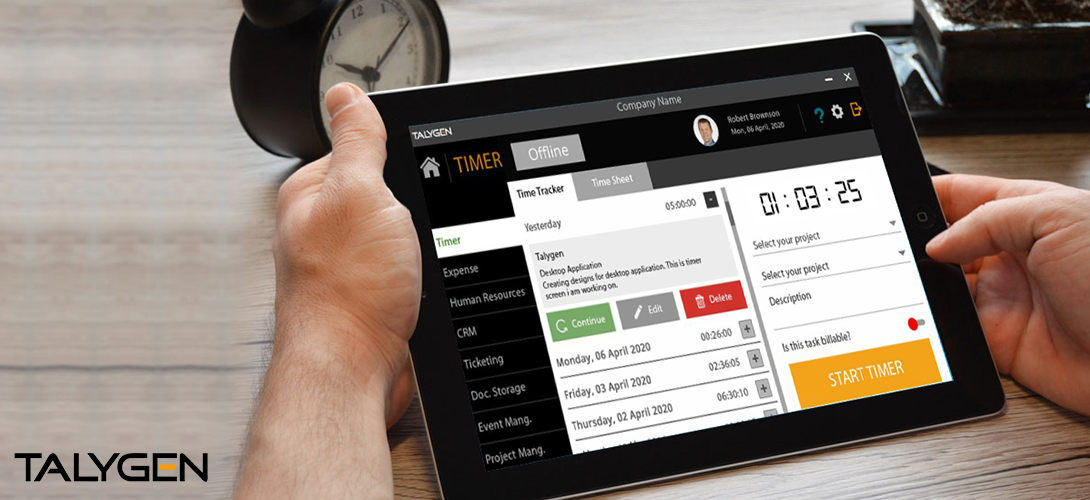
Introduction to Talygen’s offline Time Tracking Application
Tuesday, September 30, 2014
Tips and ideas for successful project management
Wednesday, September 24, 2014
Smarten up your Project Management with Talygen
Tuesday, September 16, 2014
Why should businesses use an invoicing software?
Wednesday, September 10, 2014
Why Worker Productivity Matters and How to Improve it
Thursday, September 04, 2014 Aug